ALL3D glossary
CGI product image
A CGI product image is a two-dimensional picture of a product created by rendering a three-dimensional digital model with virtual materials, lighting, and a camera.
- 3D product render
Definition
What is cgi product image?
CGI stands for computer-generated imagery. In a CGI product workflow, an artist or platform builds an accurate 3D product model, applies digital materials and finishes, arranges virtual lighting, and renders the scene into an image. The result can resemble a studio photograph even though no physical camera captured it.
The final image and the 3D model are different assets. The image is a fixed view ready for a product page, marketplace, catalog, or campaign. The model is the reusable source that can produce more views, colors, materials, animations, 360° spins, and interactive experiences.
In one sentenceA CGI product image is a rendered view of a digital 3D product, built to deliver accurate, adaptable ecommerce imagery without photographing every output separately.
Business value
Why cgi product image matters
CGI gives brands a repeatable way to create product content before, alongside, or instead of a traditional photoshoot.
Create every required angle
Render consistent front, side, rear, top, detail, and hero views from the same approved 3D product model.
Cover more product variants
Change a digital material or finish to create imagery for colorways and configurations without producing and photographing every physical sample.
Make revisions efficiently
Adjust the camera, lighting, background, or product finish in the source scene, then render an updated image without restaging a shoot.
Reuse one product source
Use the same 3D model to create still images, 360° spins, video, product configurators, and augmented reality experiences.
The workflow
How a CGI product image is made
A product render combines an accurate digital product with the same visual choices a photographer would make in a studio.
- 1
Build or prepare the 3D model
Create the product geometry from reference photos, measurements, or design files, then confirm its proportions and construction details.
- 2
Apply materials and lighting
Reproduce the product's colors, textures, reflectivity, and finishes, then light the digital scene to reveal its shape and surface detail.
- 3
Choose the view and render
Position a virtual camera, generate the image, and review the result for product accuracy, visual quality, and channel requirements.
- 4
Export the approved assets
Prepare the final views in the dimensions, background treatments, crops, and file formats required by each ecommerce or marketing channel.
In practice
Common cgi product image examples
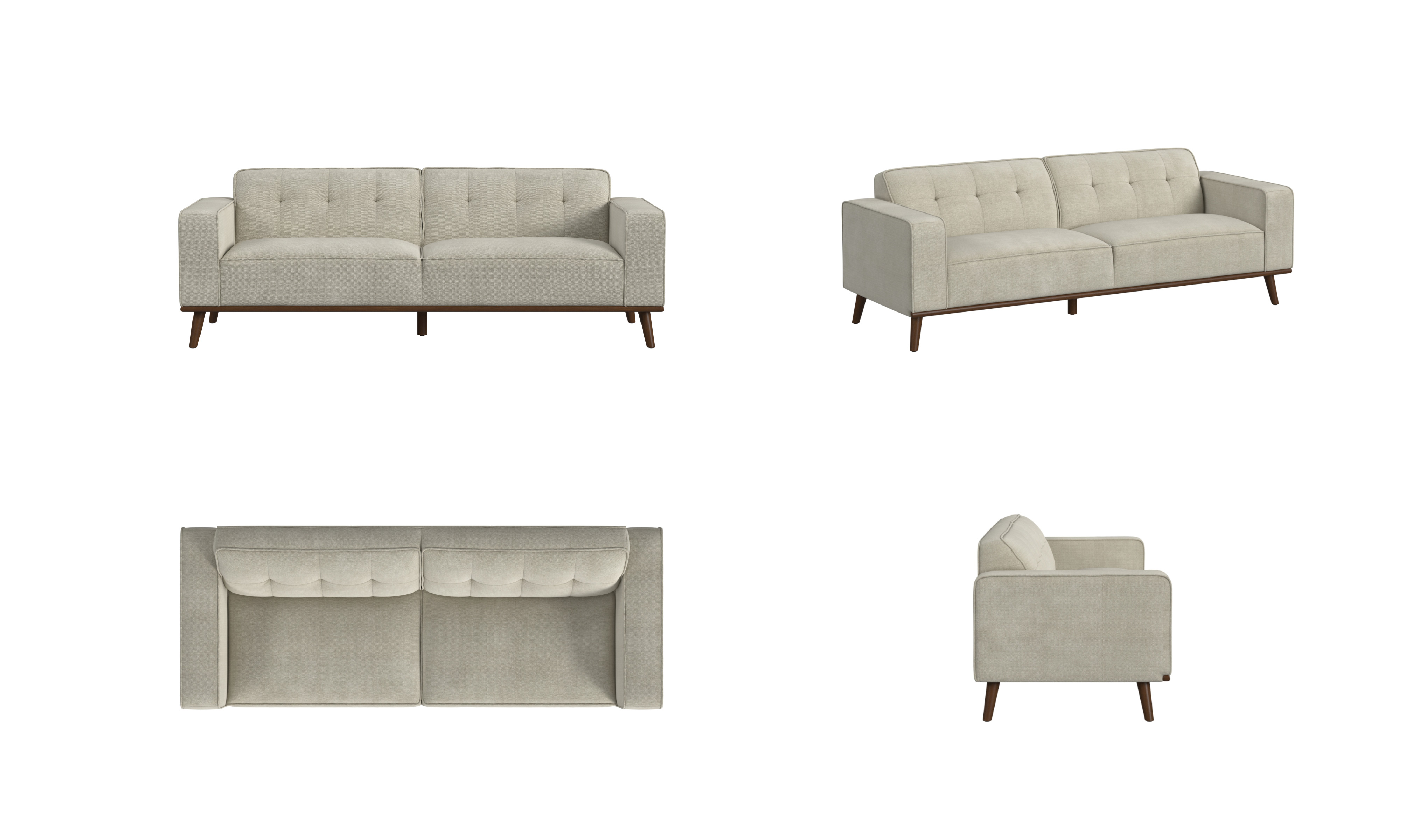
Complete angle set
Multiple views rendered from one product model give shoppers a consistent look at the front, side, top, and construction details.
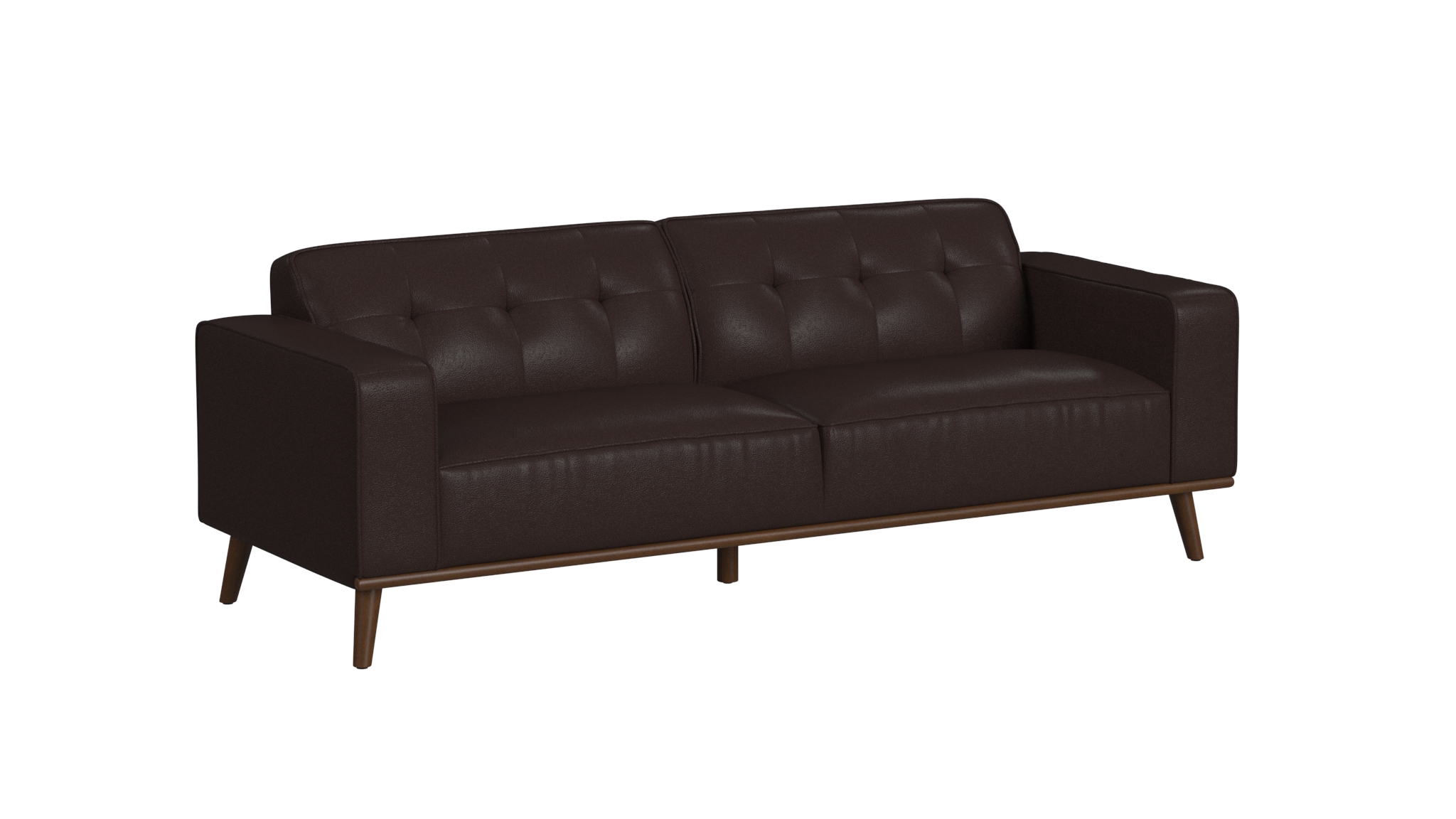
Material or color variant
A new digital finish can produce an accurate variant image while preserving the approved camera angle, shape, and lighting.
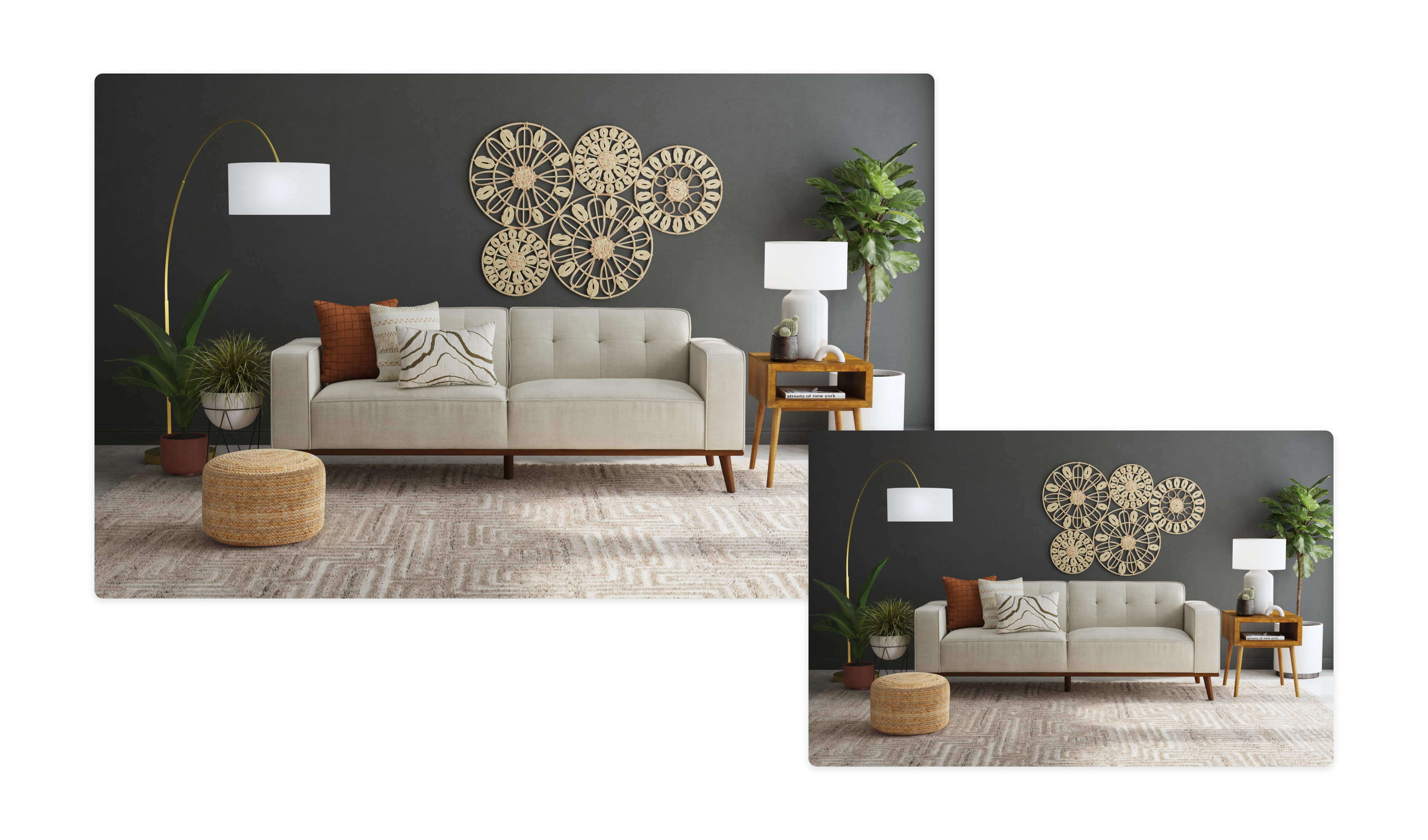
Lifestyle product render
The same product can be rendered in a styled environment to communicate scale, use, and design context.
The distinction
CGI product images vs. product photography
Both methods can produce polished, realistic product imagery. Their practical difference is the source used to create each image.
| Compare | CGI product image | Product photograph |
|---|---|---|
| Product source | A digital 3D product model | A physical product sample |
| Camera and lighting | Virtual and editable | Physical and arranged on set |
| Creating variants | Update digital materials or configuration | Prepare and photograph each physical variant |
| Creating another view | Move the virtual camera and render again | Reposition the product or camera and reshoot |
| Reusable source | Can also support 360°, video, configurators, and AR | Captured files support still and video edits |