ALL3D glossary
Hero image
A hero image is the prominent lead visual chosen to introduce a product, collection, campaign, or page and direct attention to its most important message.
- hero shot
- lead image
- primary product image
Definition
What is hero image?
On an ecommerce product detail page, the hero image is usually the first and largest product view in the gallery. It should make the exact item immediately recognizable, establish its primary color or configuration, and create a clear starting point for the images that follow.
On a homepage, category page, or campaign landing page, a hero image may instead show the product in a styled environment with room for a headline and call to action. In either case, ‘hero’ describes the image's role in the page hierarchy, not how it was made or whether it has a white or lifestyle background.
In one sentenceA hero image is the lead visual in a page's hierarchy: it captures attention, identifies the subject, and prepares shoppers for the supporting content that follows.
Business value
Why hero image matters
The hero image occupies the page's highest-value visual position. A strong choice helps shoppers orient quickly while giving the surrounding title, price, copy, and calls to action a clear focal point.
Make the subject immediate
A clear silhouette, revealing angle, and purposeful crop let shoppers recognize the featured product or collection at a glance.
Establish visual hierarchy
The hero receives the most emphasis, while alternate views, details, benefits, and lifestyle images follow in a deliberate supporting order.
Express brand context
Lighting, styling, environment, color, and composition can communicate a brand point of view without obscuring the product or competing with page copy.
Work across screen sizes
Intentional framing and responsive crops keep the product, key details, and any negative space useful on wide desktop layouts and narrow mobile screens.
The workflow
How to create an effective hero image
The best hero image is designed for a specific placement, message, and screen behavior rather than selected only because it looks dramatic in isolation.
- 1
Define the hero's job
Decide whether the image must identify one exact SKU, introduce a collection, demonstrate a use case, or create campaign appeal before choosing the visual treatment.
- 2
Build a clear focal point
Use scale, contrast, lighting, camera angle, and surrounding space to give the product priority and leave a calm area for interface or campaign copy when needed.
- 3
Plan responsive framing
Protect the important subject area with safe margins, then prepare landscape, portrait, or art-directed crops so mobile layouts do not cut off the product or move it behind text.
- 4
Check it within the page
Review the image beside the title, price, controls, thumbnail gallery, and call to action to confirm that the complete composition remains balanced and easy to scan.
In practice
Common hero image examples
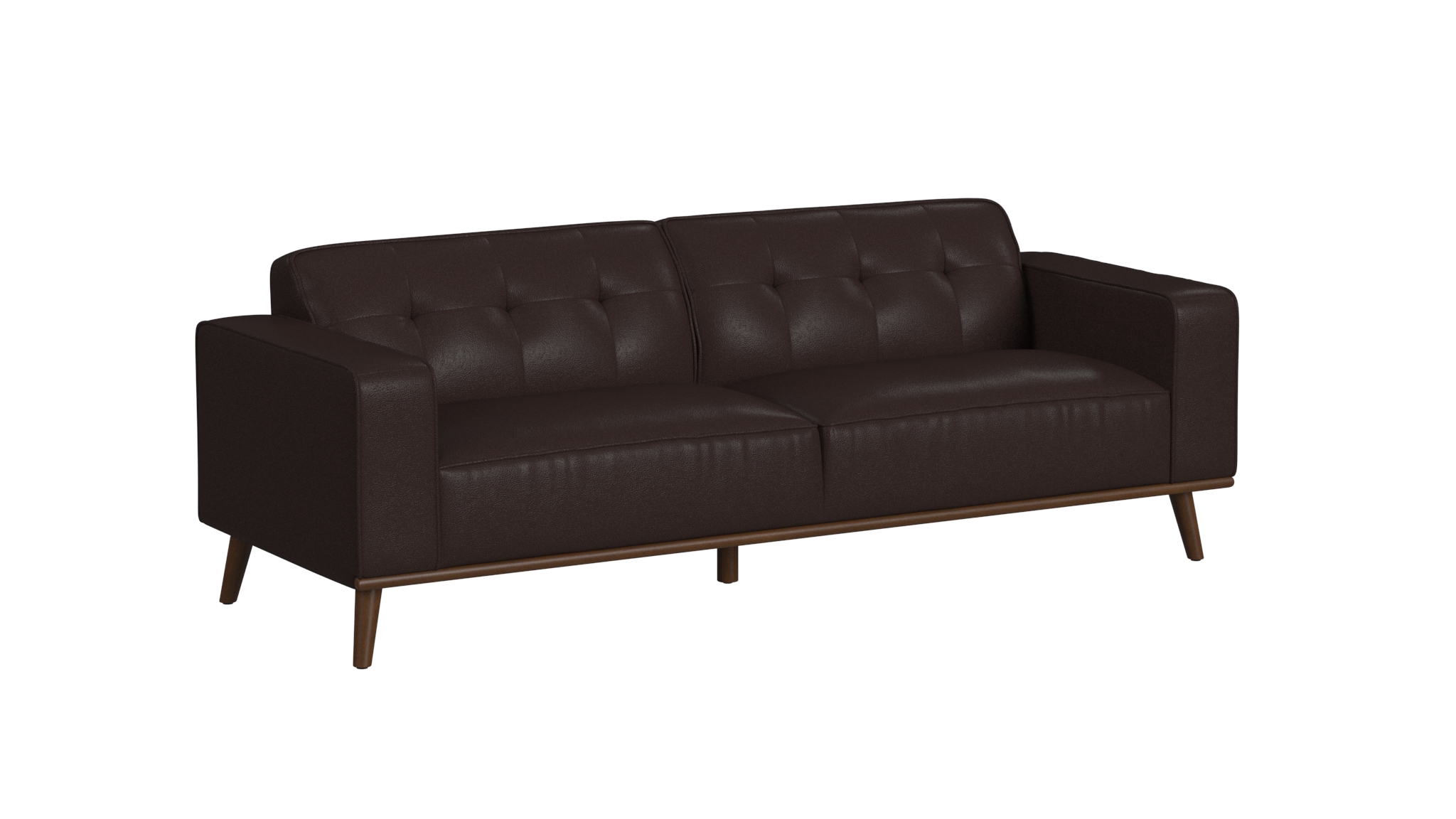
Product detail page hero
A clean three-quarter view makes the exact product and its primary finish easy to recognize before the shopper opens alternate angles or details.

Lifestyle page hero
A wide room composition gives the furniture visual priority while establishing scale, styling, and a cohesive brand atmosphere.
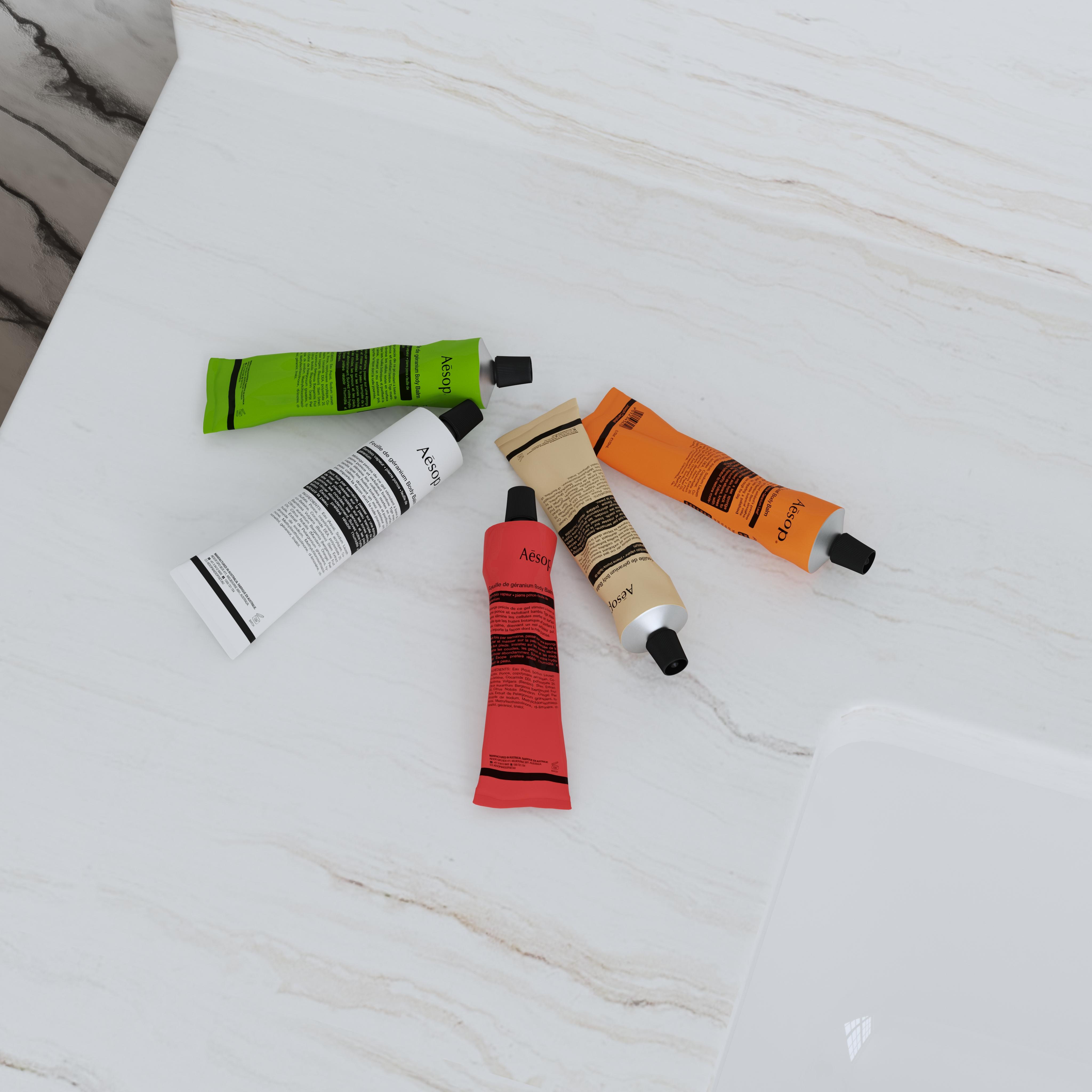
Collection hero
A balanced group composition introduces several related products at once and creates a distinct color story for a collection or campaign.
The distinction
Hero image vs. packshot
A hero image describes a visual's lead role, while a packshot describes a clean product-only format. One image can be both, but the terms are not interchangeable.
| Compare | Hero image | Packshot |
|---|---|---|
| What it describes | The primary visual position on a page or in a campaign | A product-only image on a clean background |
| Possible setting | Product-only, lifestyle, editorial, or campaign-based | Usually white, neutral, or transparent |
| Primary purpose | Lead attention and establish the page's first impression | Show the product clearly and accurately |
| Relationship to a PDP set | The first or most prominent image in the sequence | One format that may appear once or several times in the set |