ALL3D glossary
Product detail page image
A product detail page image is a visual in an ecommerce product gallery that helps a shopper understand a specific item, including its appearance, features, scale, variations, or use.
- PDP image
Definition
What is product detail page image?
PDP images work as a set. The lead image identifies the product quickly, while the rest of the gallery answers questions that one view cannot: What does it look like from another angle? How does the material appear up close? What is included? How large is it, and how might it look in a real setting?
A useful sequence moves from recognition to evaluation. It often begins with a clear three-quarter or front view, continues with alternate angles and detail shots, and then adds dimensions, features, configurations, or lifestyle context. Every image should represent the same product accurately and use consistent color, proportions, and styling.
In one sentenceA PDP image is one part of a coordinated gallery that gives shoppers the visual information they need to evaluate a product with confidence.
Business value
Why product detail page image matters
The PDP gallery carries much of the work a shopper would otherwise do in person. Its value comes from the information covered across the full set, not simply from having more images.
Answer questions visually
Use alternate angles, close-ups, dimensions, and in-use views to clarify details that are difficult to communicate in product copy alone.
Guide the evaluation
Sequence images so shoppers see the overall product first, then the construction, features, scale, and context needed for a decision.
Build trust through consistency
Keep shape, color, finish, and configuration consistent from image to image so the gallery feels like one reliable account of the product.
Cover every variation
Give each colorway or configuration accurate imagery rather than asking shoppers to infer one option from another.
The workflow
How to plan a PDP image set
A strong gallery is planned around shopper questions and arranged as a clear visual story.
- 1
Define the information to cover
List the product attributes shoppers need to judge, such as form, material, construction, dimensions, included parts, available options, and intended use.
- 2
Create a consistent set
Produce the required angles, details, diagrams, and lifestyle scenes from approved product references while preserving the same proportions, finish, and configuration.
- 3
Put the images in order
Lead with the clearest identifying view, follow with inspection and feature coverage, and use contextual images where they add scale, styling, or use-case information.
In practice
Common product detail page image examples
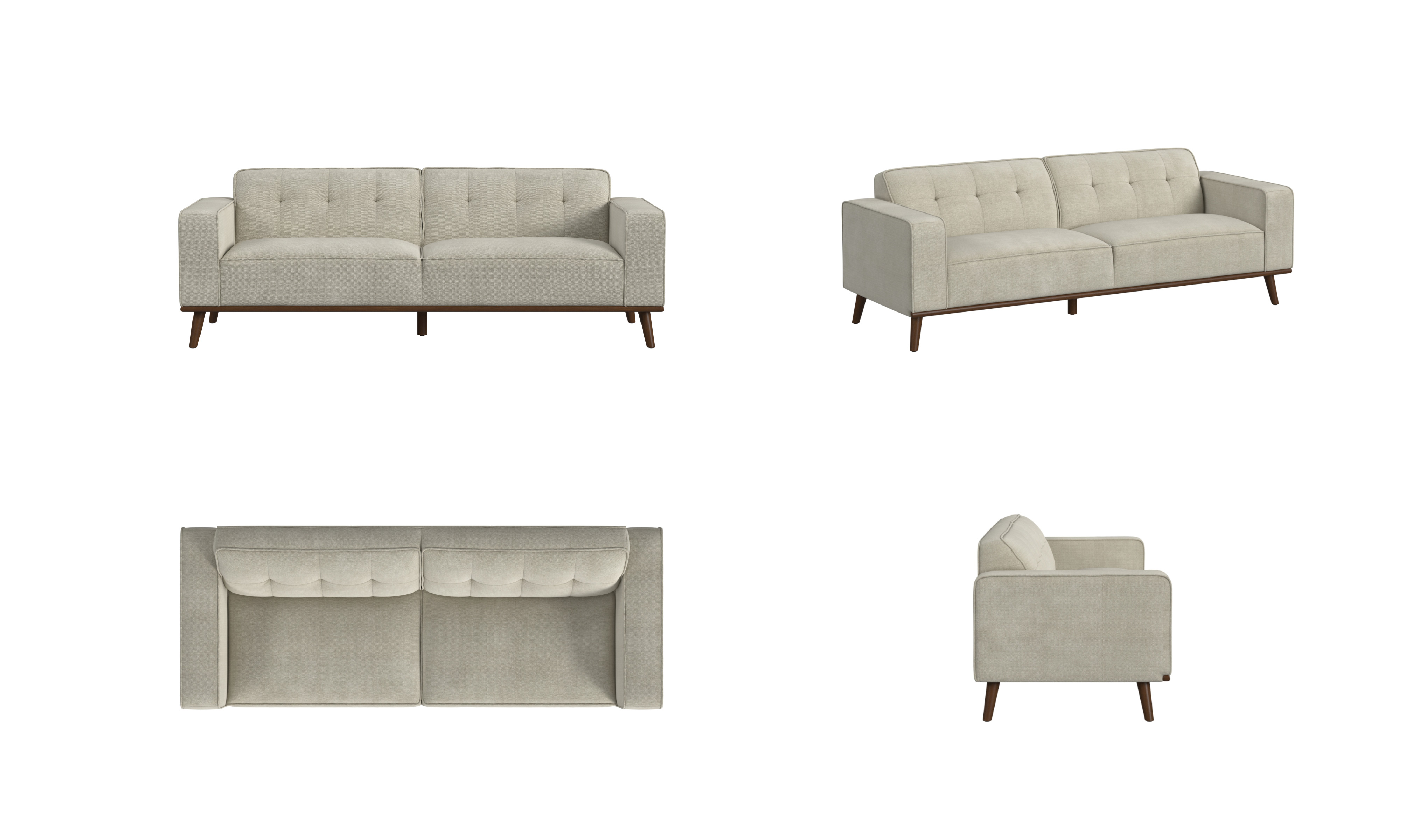
Angle coverage
Front, three-quarter, top, and side views let a shopper inspect the same product from the perspectives that matter.
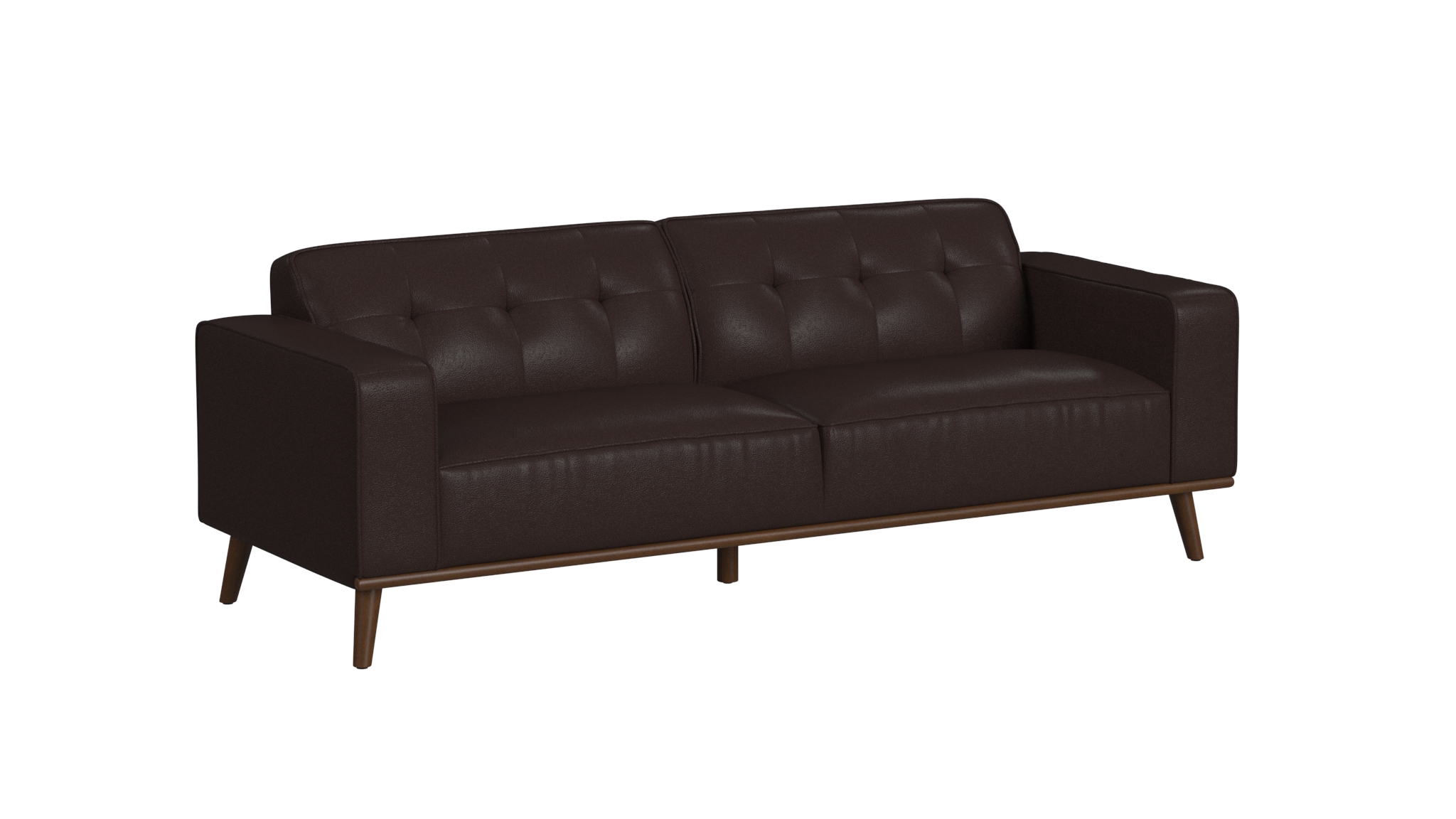
Clear primary view
A clean, unobstructed product view makes the item easy to recognize and gives the gallery a dependable starting point.
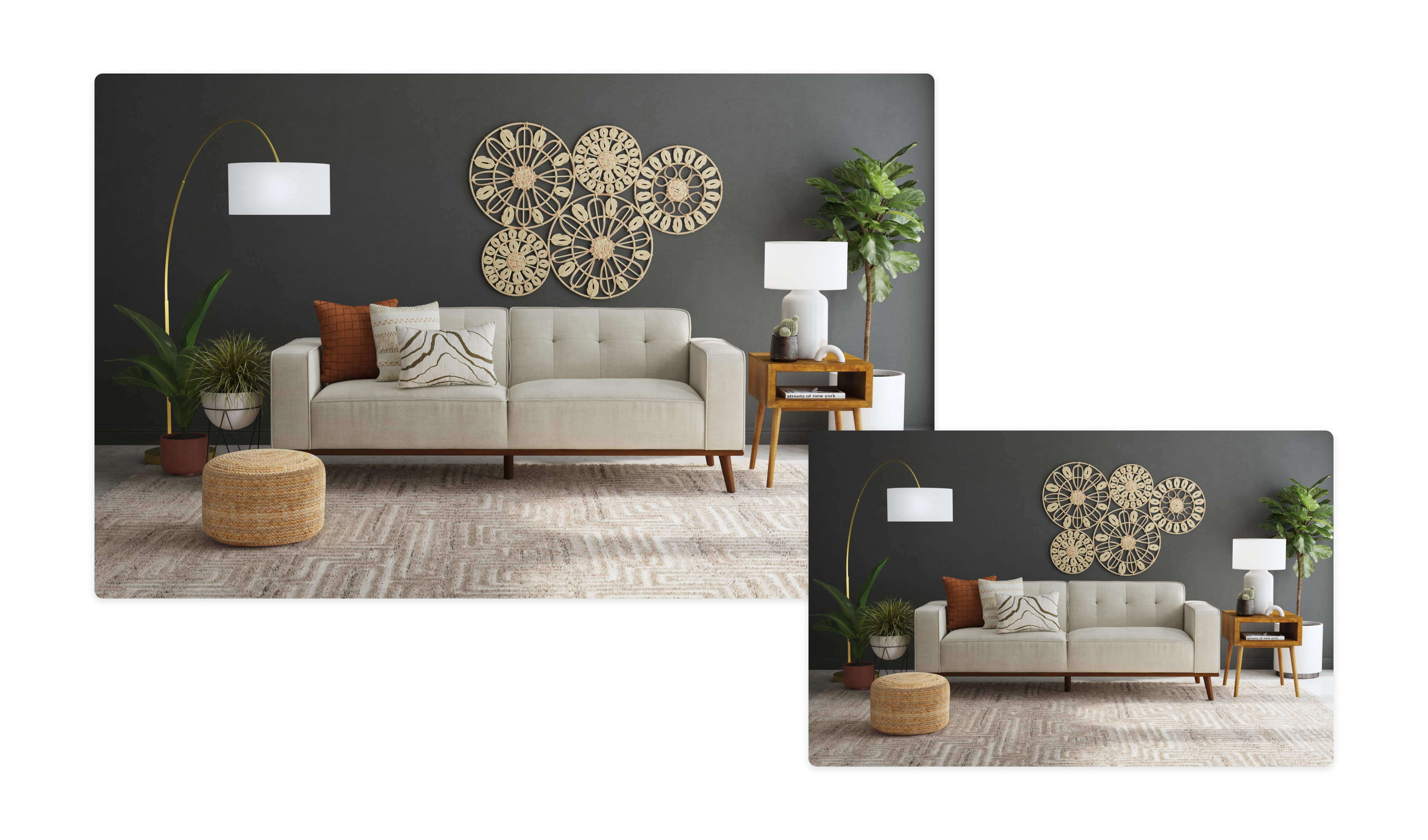
Lifestyle context
A room scene can extend the gallery by showing scale, styling, and how the product relates to other objects in use.
The distinction
PDP image set vs. a hero image or single packshot
A hero image or packshot can be part of a PDP gallery, but it cannot provide the same breadth of information as the complete set.
| Compare | PDP image set | Single hero image or packshot |
|---|---|---|
| Role | Supports the shopper's full product evaluation | Creates one strong first impression or reference view |
| Coverage | Combines angles, details, features, scale, and context | Shows one composition, angle, or product treatment |
| Sequence | Moves from recognition to closer inspection | Occupies one position, often the first, in the gallery |
| Consistency requirement | Must stay accurate across every view and variation | Must accurately represent the product in that image |